What shoppers see
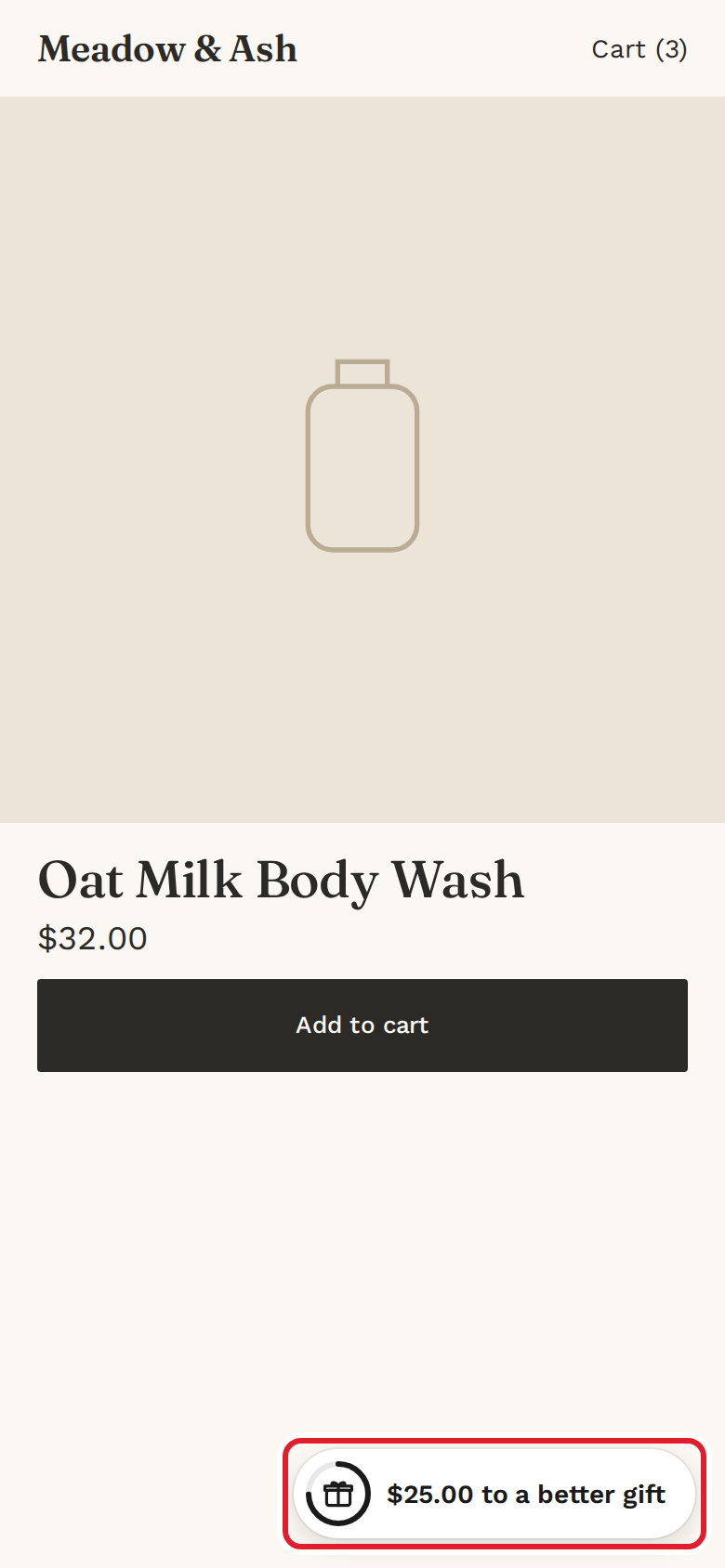
Once an offer is active and the app embed is on, a launcher button shows on every page of your store. It opens a panel where shoppers track their progress and pick their gift.
The launcher
The launcher's text follows the cart:
| Cart | Launcher says |
|---|---|
| Empty | Free gift over $50.00 |
| Below the minimum spend | $25.00 to a free gift |
| Gift unlocked, not added | Claim your free gift |
| Gift in the cart | Free gift added |
| Gift added, a higher tier is close | $25.00 to a better gift |
| Free shipping offer, below the minimum | $25.00 to free shipping |
The panel
- On desktop, the panel opens next to the launcher. It opens by itself once per visit, the first time a gift unlocks.
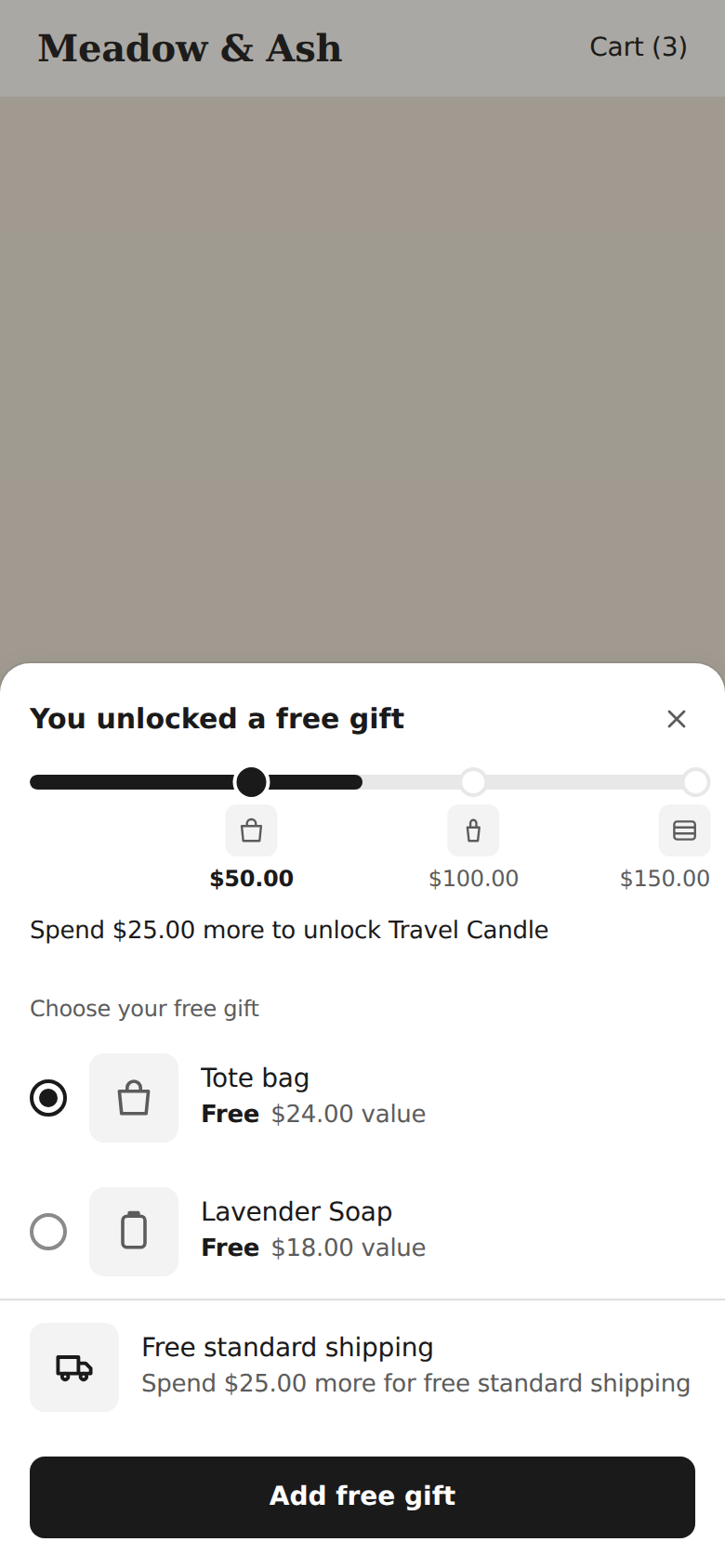
- On phones (screens narrower than 640 px), it opens as a sheet from the bottom of the screen.
- With tiers, a bar shows each tier's minimum spend and gift.
- Shoppers pick one gift and select Add free gift. To swap, they pick another gift.
- If you have a free shipping offer, its progress shows under the gifts.
Rules for the gift
- Minimum spend counts item prices before discounts. The gift, gift cards, tax and shipping don't count.
- The gift is added at quantity 1. If the cart drops below the minimum spend, the gift is removed.
- When the cart reaches a higher tier, shoppers can upgrade to that tier's gift; if it drops, they move back down.
- With Add the gift automatically on in Settings, the default gift is added once per visit for each tier. If the shopper removes it, it isn't added again.
- The gift discount combines with your other discounts.
At checkout
The gift is free at checkout. If the cart changes so that the gift would be charged, checkout stops with:
Your free gift is no longer free. Return to your cart and remove it to continue.
When the widget is hidden
The widget doesn't show when:
- No offer is active, Gift Lift is paused, or the app embed is off.
- A scheduled offer hasn't started yet or has ended.
- The shopper is browsing in a currency other than your store's currency.
- The cart has a subscription product. Any gift already in the cart is removed.