Create a free shipping offer
A free shipping offer makes standard shipping free once the cart reaches a minimum spend. The widget shows shoppers how much more to spend.
Create the offer
- In Gift Lift, open Offers and select Create offer.
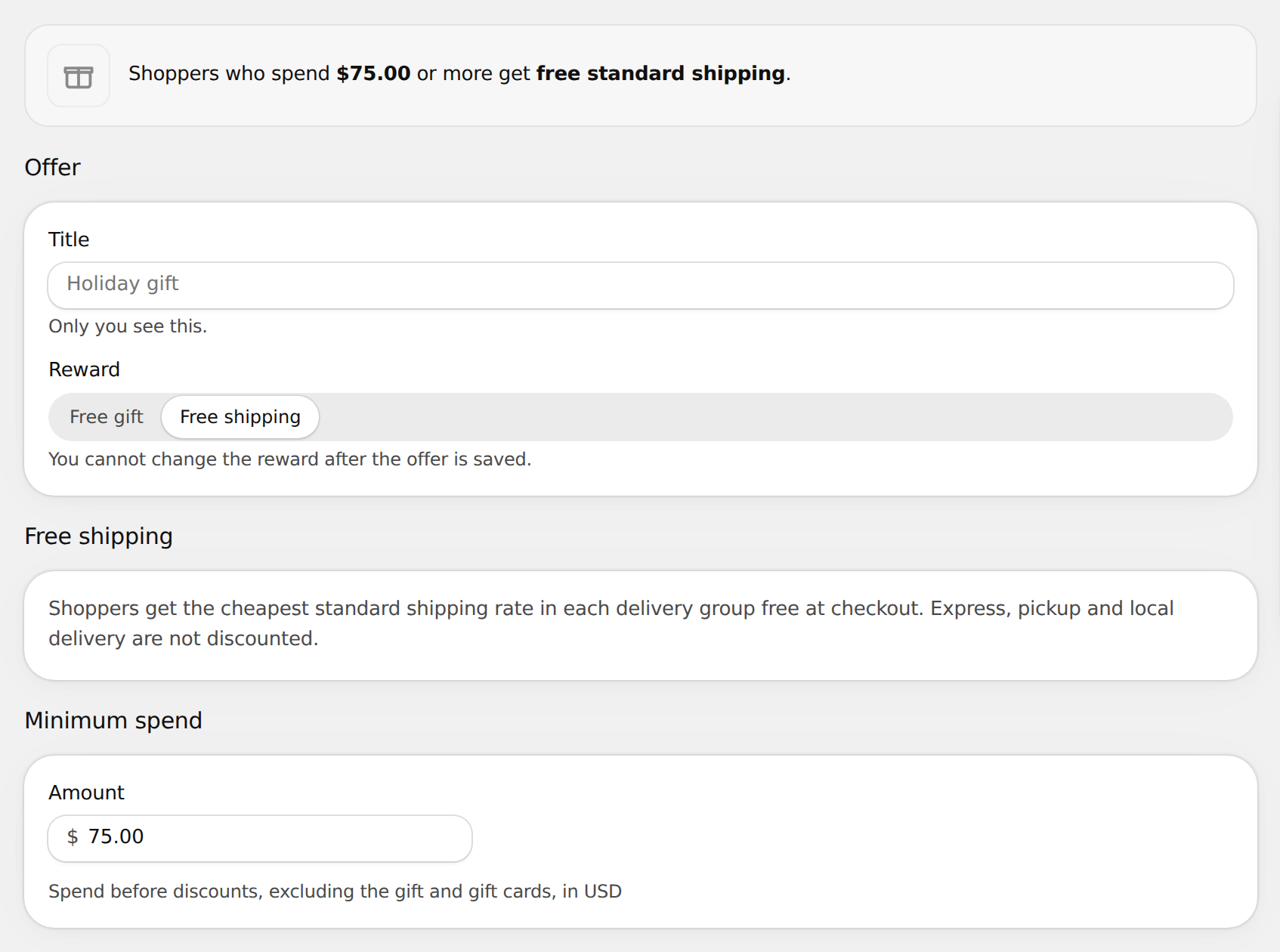
- Enter a Title. Only you see it.
- Under Reward, select Free shipping. You can't change the reward after the offer is saved.
- Under Minimum spend, enter the Amount.
- Optional: select Add schedule to set start and end times. See Schedule the offer.
- Select Save, then select Activate.
What is free
- Shoppers get the cheapest standard shipping rate in each delivery group free at checkout.
- Express, pickup and local delivery are not discounted.
- Minimum spend counts item prices before discounts. Gift cards don't count.
One free shipping offer can be active at a time, alongside one gift offer. When both are active, the widget shows the shipping progress under the gifts.